Property management app for iPhone · Coming soon

The property management app that feels effortless.

Open Girilang and the work in front of you is already within reach. Snap and mark up a maintenance photo, move through a property inspection room by room, or see nearby access codes from Home — without digging through folders or fighting the app.

  • Properties
  • Leases
  • Inspections
  • Tenancies
  • Applications
  • Documents
  • Keys
  • Maintenance
  • Rooms
  • Renewals

Designed around the property in front of you

Property work should feel this easy.

Girilang turns your iPhone into a focused field companion, with the camera, inspections and nearby access details close at hand.

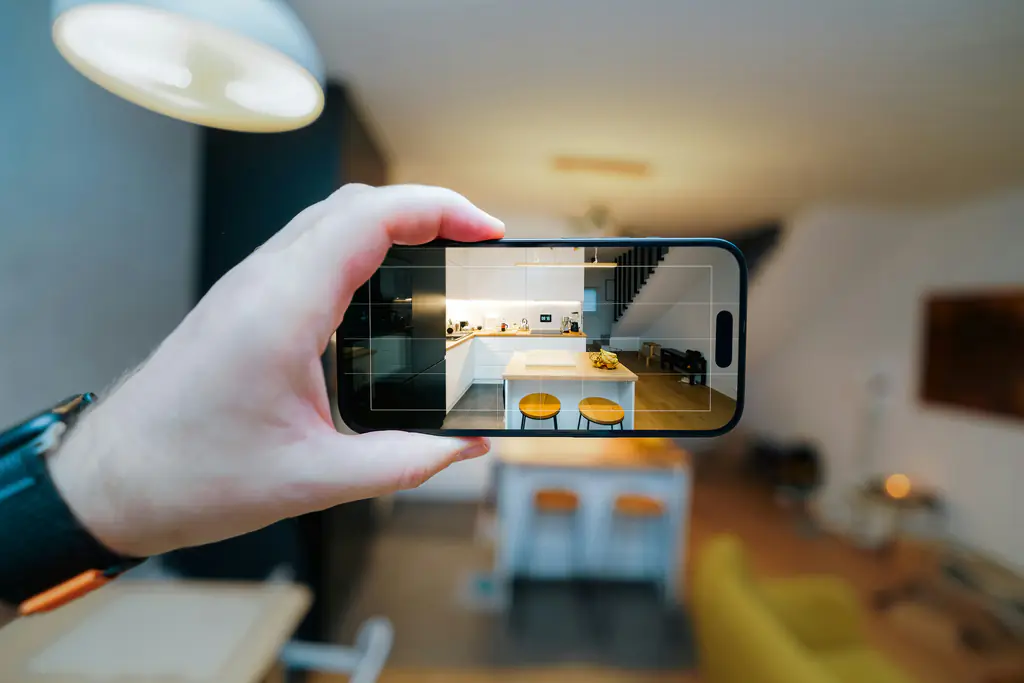
A hand holds up a phone, framing a kitchen through the camera viewfinder
9:41

Mark up photo

Done
Water stain — check ceiling

Attaching to Room 9 · Leaking tap

Send to maintenance

Snap it. Mark it. Move on.

Open quick capture, take the photo and draw straight onto it — circle the crack, add an arrow or leave a note. The finished image is ready to attach to a maintenance job or inspection record.
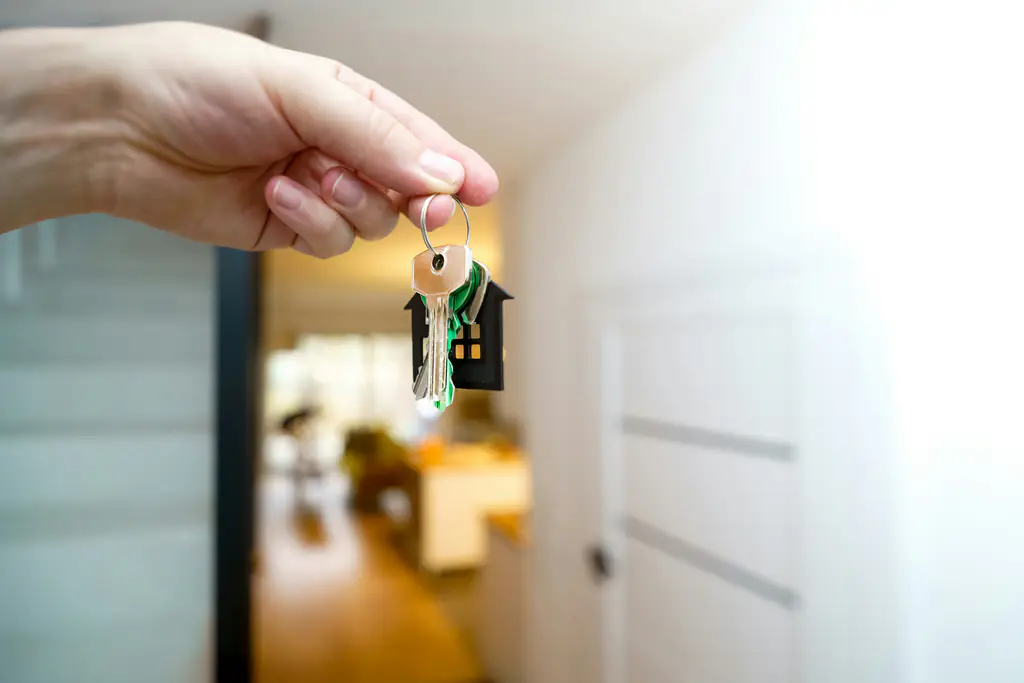
A hand holds a house-shaped keyring at an open front door, a lit hallway beyond
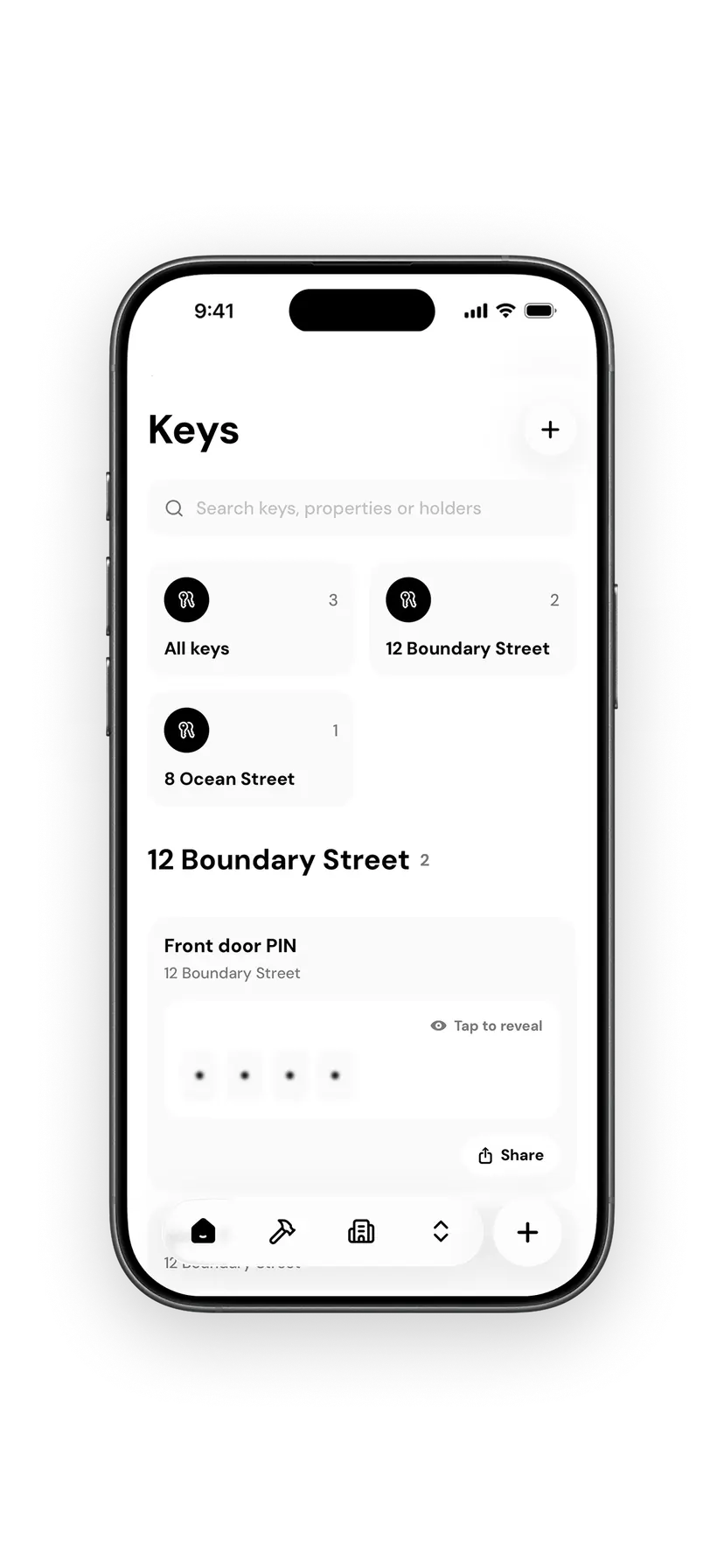
The Girilang Keys screen on iPhone, listing access codes for a property with one PIN ready to reveal

Access details when you arrive.

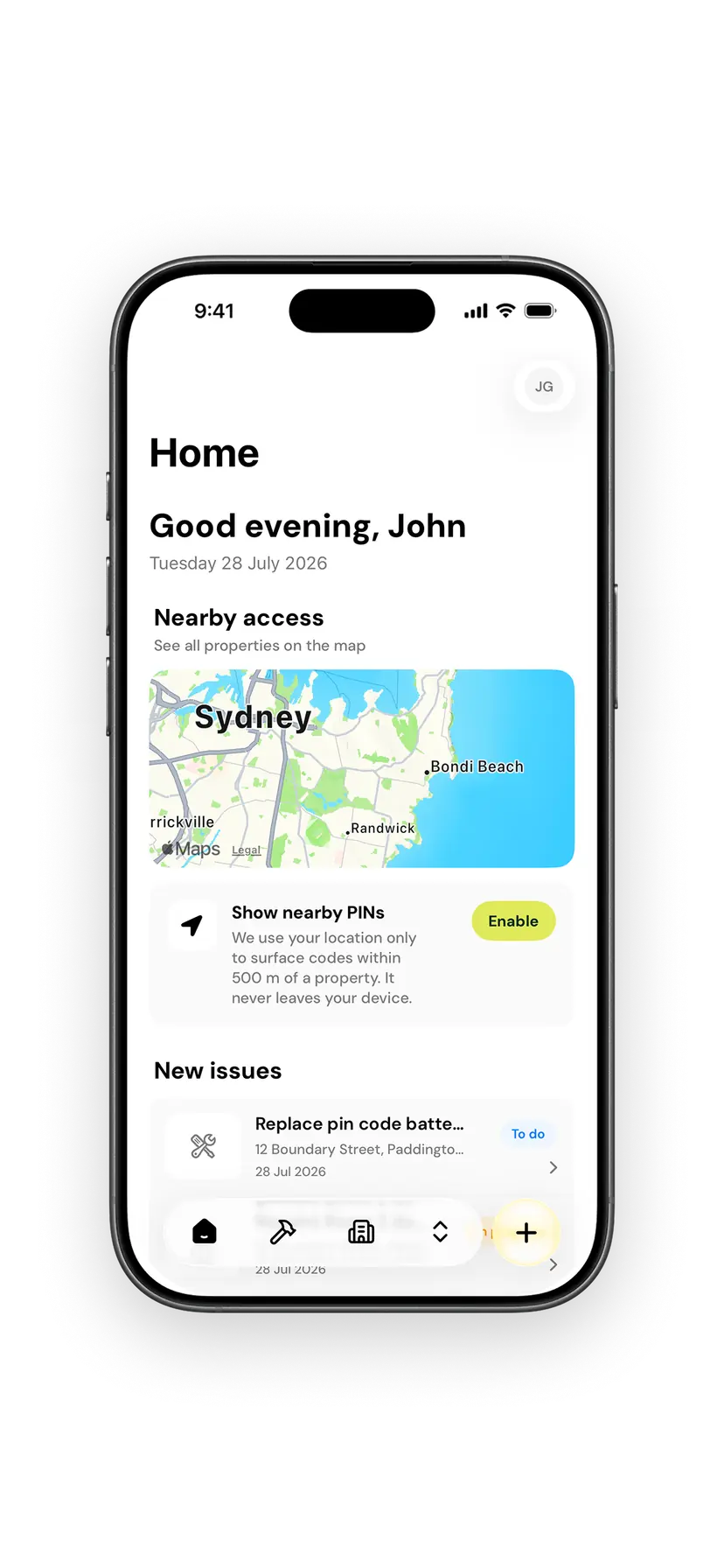
With your permission, Girilang brings nearby properties and their access codes to Home. You can also check which keys belong to the property and who is holding them.

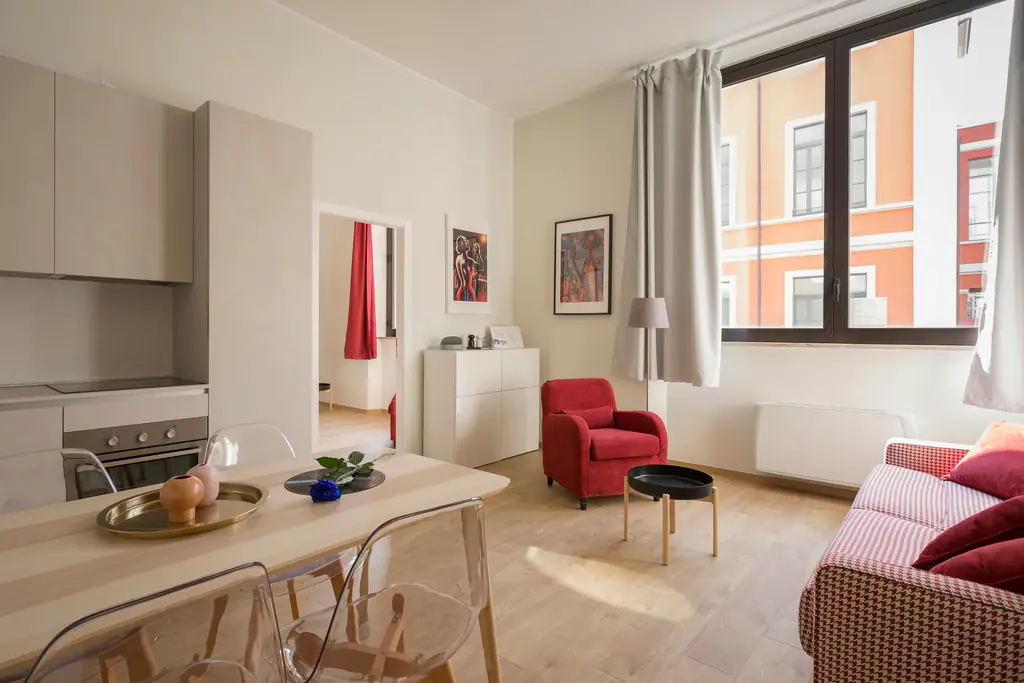
Compact furnished apartment with a dining table beside a street-facing window
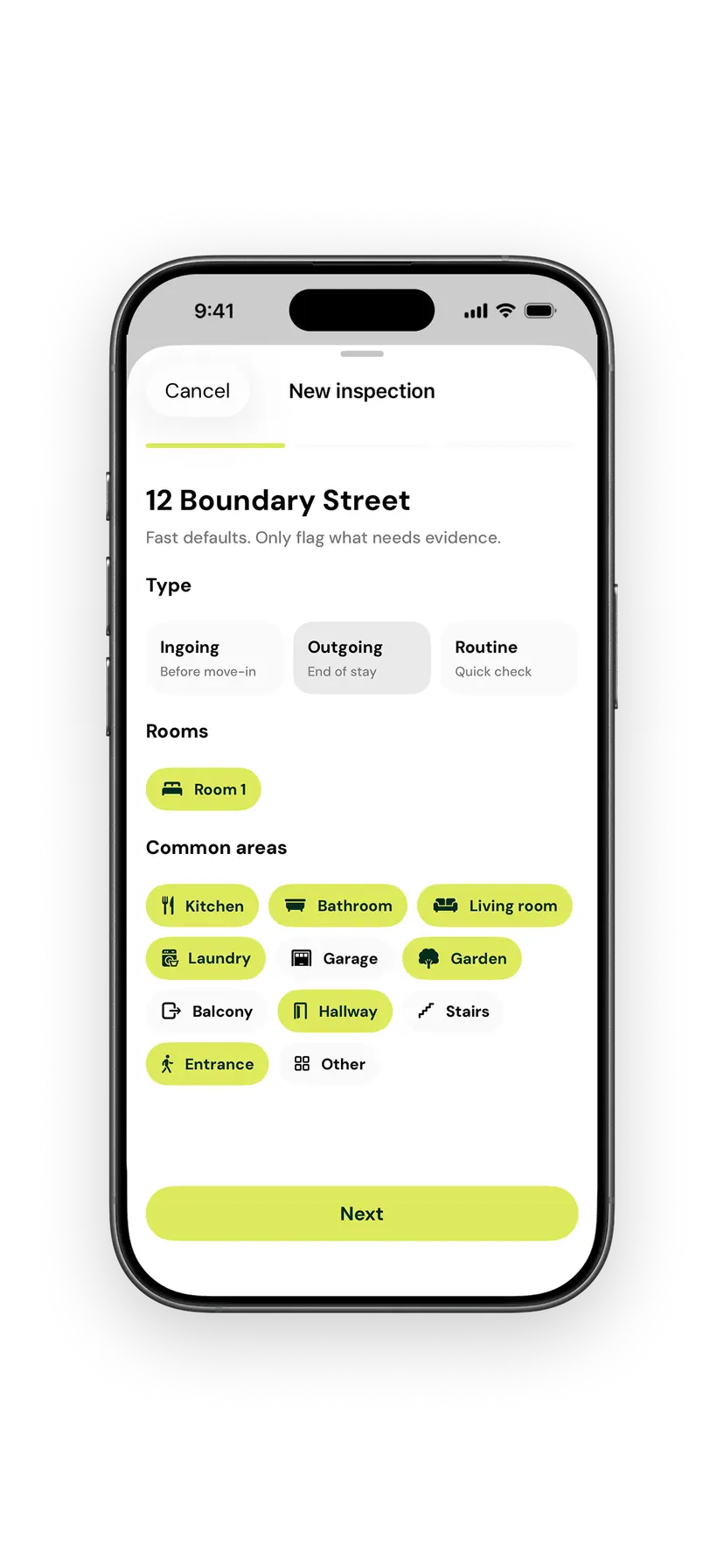
The Girilang new inspection screen on iPhone, with inspection type and rooms selected for a property

A property inspection app that keeps pace.

Move room to room while the checklist moves with you. Add notes, photos and videos against the relevant item, then review the property inspection before you leave.

Coming soon on iPhone

A landlord app designed for the field

The full property record stays in sync, while the iPhone app makes the work in front of you fast, familiar and satisfyingly simple.

The Girilang Home screen on iPhone, showing nearby access on a map and new issues for today

Made for iPhone

Native navigation, gestures, and Face ID keep common tasks familiar and quick.

Camera-first maintenance

Quick capture opens the camera, then takes the photo straight into markup.

Inspections on site

Work through rooms and areas while notes, photos and videos stay in context.

Nearby access

Location brings managed properties and their access codes within reach on Home.

Fast in the field

Native Swift performance keeps the app responsive while moving between properties.

Start your 3-month free trial Coming soon · iPhone & iPad

Property management app FAQs

What Australian landlords can do on iPhone.

Use the Girilang iPhone app for the work that happens on site: capture and mark up maintenance photos, complete room-by-room property inspections, review property records and see access codes for nearby properties. Your work stays in sync with the Girilang web app.

Timber-clad house with warm interior lighting in the evening

Start managing your rental properties in one place.

Add your first property, connect its lease, tenant and inspection records, then build the portfolio at your own pace.